How to Watch Free Live TV on Your iPhone and Android in 2026
·5 min read·StreamSmarters
If you are comparing options, read How to Watch Free Live TV on Your Laptop — Browser-Based Guide for a practical baseline. You can also check How to Watch Free Live TV on FireStick — No Subscription Needed to see how tr
Table of contents
- Best Free Live TV Apps for iPhone and Android
- 1. Pluto TV — Best Overall
- 2. Plex — Best Quality
- 3. Tubi — Best On-Demand + News
- 4. Peacock (Free Tier)
- 5. Samsung TV Plus (Android)
- 6. Xumo Play
- 7. Local Now
- Free News Apps With Live TV
- Using the Browser for Free TV on Mobile
- Saving Battery and Data
- iPhone-Specific Tips
- Android-Specific Tips
- Quick Comparison: Best Free TV Apps for Mobile
- Final Thoughts
How to Watch Free Live TV on Your iPhone and Android in 2026
If you are comparing options, read How to Watch Free Live TV on Your Laptop — Browser-Based Guide for a practical baseline. You can also check How to Watch Free Live TV on FireStick — No Subscription Needed to see how trade-offs change by use case. For a broader shortlist, Watch Free Live TV Online With No Sign Up — The Complete Guide adds more tested picks.
Your phone is already a capable free TV device. Between official apps and browser-based options, you can watch hundreds of live channels for free on any iPhone or Android — no cable, no subscription, no sign-up in many cases. Here's the full guide.
Best Free Live TV Apps for iPhone and Android
1. Pluto TV — Best Overall
Available: iOS App Store, Google Play Store
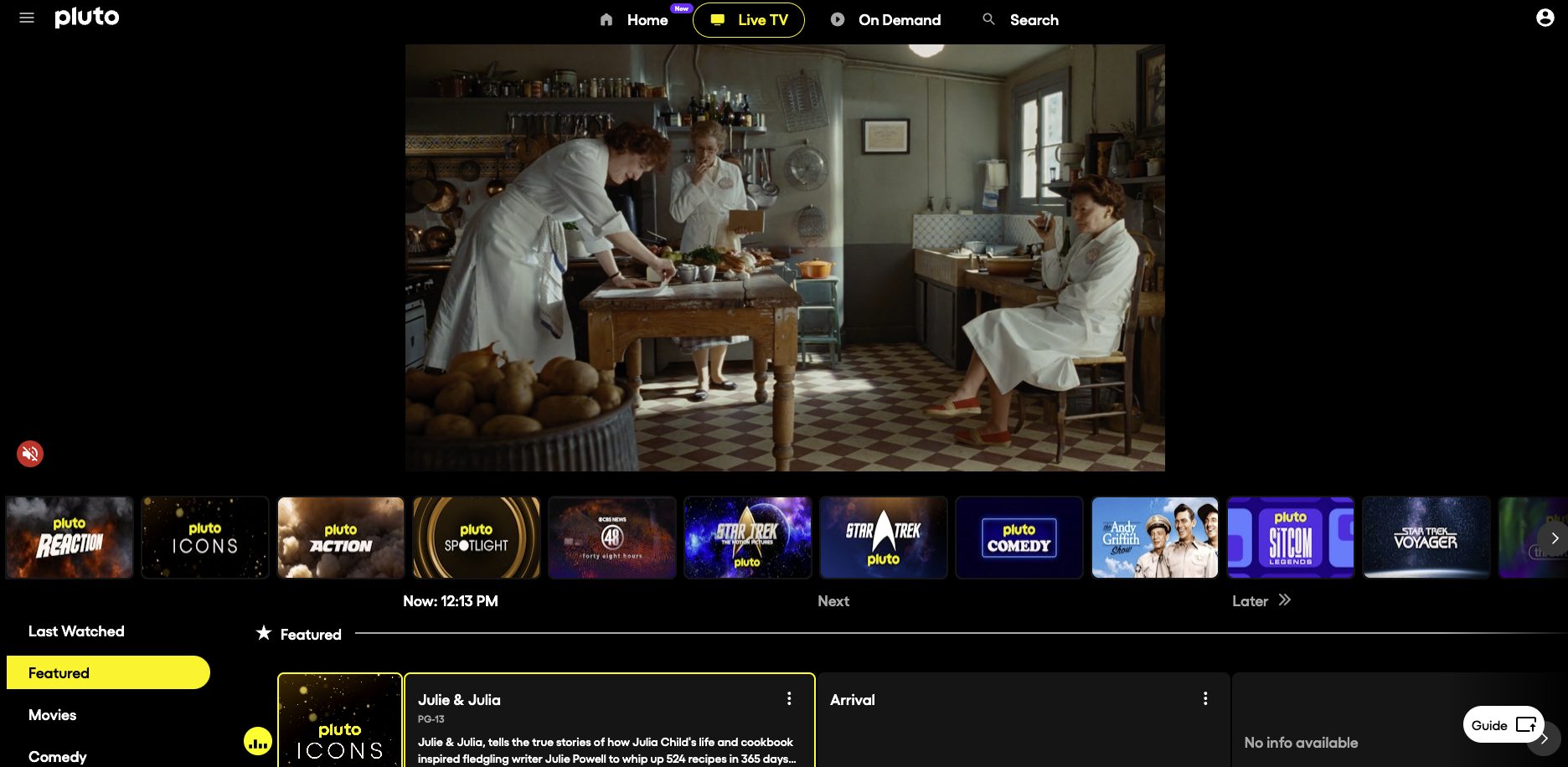
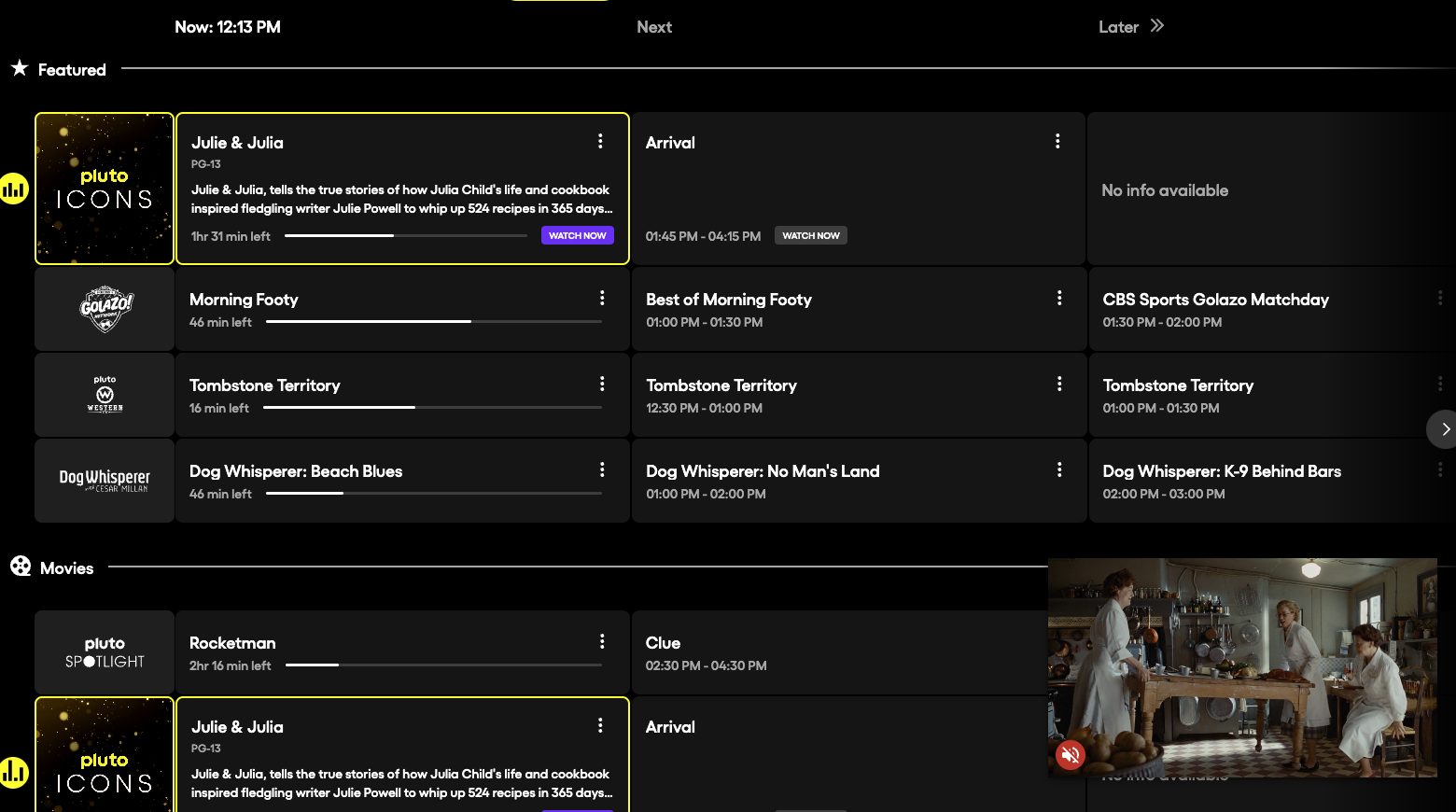
Pluto TV is the most complete free live TV app available on mobile. 250+ live channels including news, sports, entertainment, movies, and lifestyle — all free, all ad-supported.
Key features:
- No account required
- 250+ live channels
- On-demand library
- Smooth, well-designed app
- Available in 30+ countries
Download: Search "Pluto TV" in your App Store or Play Store
2. Plex — Best Quality
Available: iOS, Android
Plex's free tier includes hundreds of live channels and thousands of on-demand titles. No subscription needed. A free account unlocks more content, but much is accessible without one.
The video quality and app experience are among the best in the free TV space.
3. Tubi — Best On-Demand + News
Available: iOS, Android
Tubi is primarily on-demand but includes live news channels. The content library is enormous (50,000+ titles) and completely free. Owned by Fox, so it's fully legitimate.
4. Peacock (Free Tier)
Available: iOS, Android
Peacock's free tier includes live NBC news, some live sports, and a large on-demand library. Requires a free account.
5. Samsung TV Plus (Android)
Available: Android (Samsung devices have it built in; available on Google Play for others)
Samsung TV Plus has a mobile version available on Android with 100+ live channels.
6. Xumo Play
Available: iOS, Android
Xumo Play (owned by Comcast) offers 200+ free live channels. Not as widely known as Pluto but a solid alternative.
7. Local Now
Available: iOS, Android
Local Now focuses on local US news and weather. If you want local TV on your phone for free, it's one of the better options.
Free News Apps With Live TV
For news specifically, these apps all include free live streams:
| App | Channels | Platform |
|---|---|---|
| NBC News | NBC News NOW (24/7) | iOS, Android |
| ABC News | ABC News Live | iOS, Android |
| CBS News | CBS News Streaming | iOS, Android |
| Fox News | Limited free live | iOS, Android |
| Al Jazeera | Al Jazeera English Live | iOS, Android |
| DW | DW News live | iOS, Android |
| France 24 | France 24 EN/FR/AR | iOS, Android |
| BBC News | BBC News International | iOS, Android |
Using the Browser for Free TV on Mobile
You don't always need an app. The browser on your phone handles most free TV sites well:
Best browser-based free TV on mobile:
- Open Safari (iPhone) or Chrome (Android)
- Go to plutotv.com — this works well on mobile browsers
- Or try tv.garden for international channels
Tips for mobile browser TV:
- Request desktop site (in browser settings) for sites that don't have mobile-optimized layouts
- Add the site to your Home Screen as a bookmark for quick access
- Use landscape mode for the best viewing experience
Saving Battery and Data
Free TV streaming uses battery and mobile data quickly. Here are some tips:
Battery:
- Lower screen brightness while watching
- Connect to a charger or power bank for longer sessions
- Close background apps
Data usage:
Free TV streams typically use 1–3 GB per hour for HD. On mobile data, lower quality settings when available:
- Pluto TV: Settings → Playback Quality → 360p or 480p saves significant data
- Plex: Settings → Quality → adjust for your data plan
Wi-Fi recommended for longer viewing sessions.
iPhone-Specific Tips
Add to Home Screen: On Safari, tap Share → Add to Home Screen for plutotv.com. It behaves almost like a native app.
AirPlay: All major free TV apps support AirPlay. Tap the AirPlay icon to cast to your Apple TV or AirPlay-compatible TV.
Picture in Picture: iOS supports Picture in Picture for most video apps. Swipe home while watching to continue in a floating window.
Android-Specific Tips
Chromecast: Pluto TV, Plex, and Tubi all support Chromecast. Tap the cast icon to send to your TV.
Split screen: On Android, you can run a free TV app in split screen alongside another app.
Google TV app: If you have a Google TV or Chromecast with Google TV, the Google TV mobile app aggregates free content and syncs with your device.
Quick Comparison: Best Free TV Apps for Mobile
| App | Account | Live Channels | On-Demand | iOS | Android |
|---|---|---|---|---|---|
| Pluto TV | No | 250+ | Yes | ✅ | ✅ |
| Plex | Optional | 200+ | Yes | ✅ | ✅ |
| Tubi | No | Limited | 50k+ | ✅ | ✅ |
| Peacock Free | Yes (free) | Some | Large | ✅ | ✅ |
| Xumo Play | No | 200+ | Some | ✅ | ✅ |
| NBC News | No | NBC News live | Some | ✅ | ✅ |
Final Thoughts
Pluto TV is the app to install first — it covers more ground than anything else for free live TV on mobile. Add Plex for quality and depth, and the major news apps (NBC News, ABC News, Al Jazeera) for 24/7 news coverage. Between them, you have a better free TV setup than most cable packages, in your pocket.